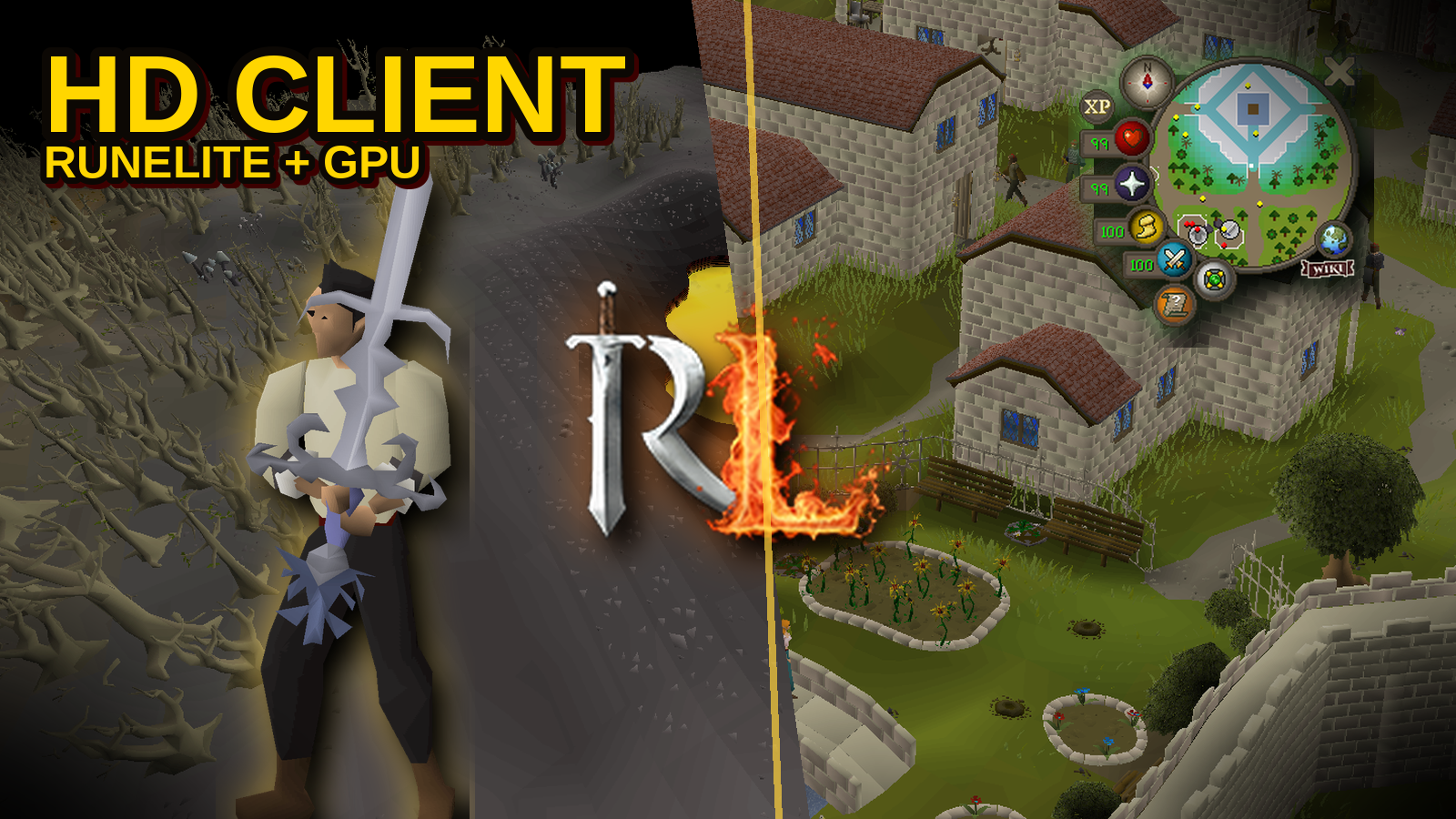
SpawnPvP ships two official clients and one HD renderer. You do not need a random Plugin Hub pack. You download ours, turn HD on, and fight.
Download the official clients
Both clients are on the Play page. Java is required.
- RuneLite (recommended) — the SpawnPvP RuneLite fork. Same game client underneath, with a curated plugin sidebar.
- Java client — standalone SpawnPvP client if you want the classic launcher.
HD is not a second download. It is a Graphics setting inside the client.
SpawnPvP HD — built in, not bolted on
The HD you see is a custom GPU world renderer in the SpawnPvP client. It is inspired by modern OSRS HD look — filmic tone mapping, fog, water, shadows — but it is our renderer. It is not the community 117 HD plugin and not stock RuneLite GPU. That is intentional. We control the picture so PvP stays readable.
Open the Graphics plugin (RuneLite) or client settings and tune:
- HD on/off — default off so low-end PCs still launch clean.
- Quality — Low, Medium, High, Ultra lighting presets.
- Shadows — Off through High (up to a 4096px shadow map).
- Lighting — GPU lights for spells, fire, and atmosphere.
- Projectiles — better magic and ranged projectiles without melting your FPS.
- Water & ground smoothing — animated water, cleaner terrain seams.
- Fog — dynamic or static, with a 25–200% distance scale.
- Draw distance — 8 to 40 tiles so you can actually see a rusher on the horizon.
- World graphics — vertex colour, regular textures, or HD cache floors.
Software options still exist beside HD: smooth textures, tweening, roofs, moving water, stretched mode. Use what wins you fights.
RuneLite the SpawnPvP way
This is not open Plugin Hub. SpawnPvP RuneLite allowlists the plugins that help PKing and blocks the ones that cheat the 317 client or clash with our overlays.
Always useful
- Graphics — HD and world detail.
- Idle Notifier — do not AFK-log in the wild.
- Tile Indicators — current and destination tiles on the 317 frame.
- Stretched Mode — bigger picture, same 765×503 game frame.
- Max Hit Calculator — server-authoritative melee, ranged, and magic max hits.
- Camera / FPS — stock tools that still matter in a pile.
Built for this server
- Ground Items + loot beams — 1m / 5m / 20m / 50m rarity beams on SpawnPvP loot, not a generic OSRS list.
- Opponent Information — name, HP, combat level on your current target.
- PvP Statistics — kills, deaths, KDR, style kills, killstreaks, Safe PvP stats.
- Overlays — HP, names, clan, status bars, KDR, rune pouch, freeze / teleblock / vengeance timers.
- Presets — default and custom gear sets in the sidebar.
- Vote Boosts — see your timed vote buffs without opening another interface.
- Chat Notifications — desktop alerts for PMs, trades, duels, gambles, yells, and broadcasts.
- Player / Visuals / Client / GameFrame — yell mode, XP lock, kill screenshots, prayer swaps, XP orb, spec orb, fonts, timestamps, shift-drop, camera zoom.
XP drops, potion tooltips, and most combat timers already live in the game client. We did not clone every stock RuneLite plugin — we kept the ones that make SpawnPvP better.
What we do not ship (on purpose)
- Stock RuneLite GPU and Plugin Hub sideloads.
- Community 117 HD as a plugin.
- Discord Rich Presence inside the client. The community lives on the SpawnPvP Discord instead.
Less junk. More frames. More focus on the person who just attacked you.
Download the client · Read the PvP guide · Get help in Discord